
Create Your Professional Resume in Minutes
Fill in your details and instantly preview your layout with our clean, simple, and intuitive live studio. Built to pass ATS filters and export high-resolution, print-ready PDF documents instantly.
Choose Template
Personal Info
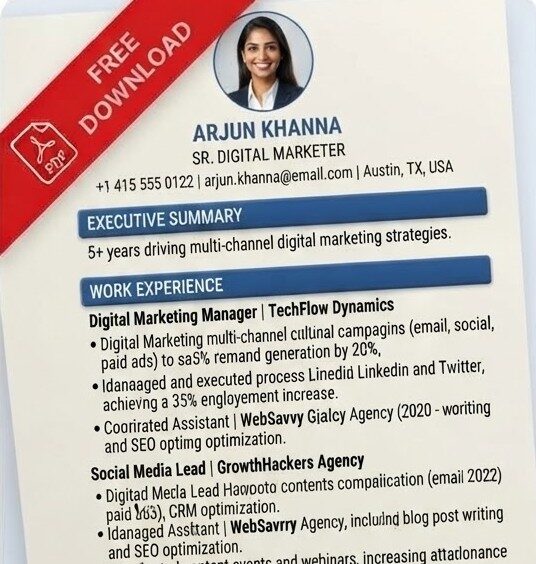
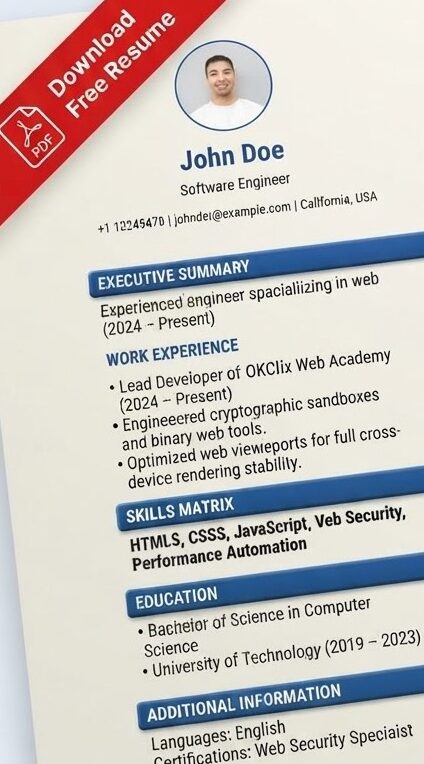
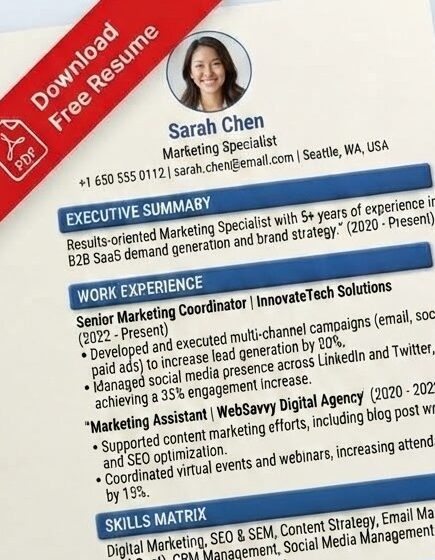
Comprehensive Guide to Building a Professional ATS-Friendly Resume Using Tera Mera PDF
In the highly competitive and fast-paced modern job market, your resume serves as your primary marketing document and first impression. Hiring managers, recruiters, and talent acquisition specialists spend an average of just six to seven seconds scanning a traditional resume before determining whether an applicant moves forward to the interview stage. Because initial screenings are often handled by automated software rather than human eyes, the structure, formatting, and content of your CV must be meticulously optimized. Our free online Resume Builder is specifically designed to bridge the gap between clean aesthetic appeal and rigorous ATS (Applicant Tracking System) compliance, ensuring your professional profile stands out for all the right reasons.
The Importance of Modern ATS-Friendly Resume Formatting
Applicant Tracking Systems are software applications used by corporations, recruiting agencies, and small businesses to manage the hiring pipeline. These systems parse incoming documents, extracting text, headings, and employment history into a searchable database. If a resume contains complex graphics, floating text boxes, unreadable fonts, or poorly structured layouts, the software often fails to parse the data correctly, resulting in instant rejection regardless of the candidate’s actual qualifications.
Our resume builder utilizes a streamlined, linear structure that guarantees 100% compatibility with automated parsers. By focusing on clean typographic hierarchies, distinct section headers, and standard professional margins, the generated documents ensure that your hard work, technical skills, and educational credentials are read accurately every single time.
Core Features of Our Live Resume Studio
The platform has been engineered to provide a seamless, friction-free creation experience without demanding complex software installations or technical design skills. Key capabilities include:
- Real-Time Live Preview: As you input your personal information, work experience, and educational background into the control sidebar, the document layout updates instantly on your screen, allowing you to review adjustments immediately.
- HTML & CSS Format Support: The builder fully supports HTML and CSS formatted text entries. If you want to highlight specific sections, customize fonts, or write colorful text styles within your document, you can easily use standard HTML tags and inline CSS.
- Optimized A4 PDF Export: Standardized document dimensions ensure that your final printed or digital file fits perfectly onto standard A4 paper without awkward line breaks, overlapping text, or unwanted scaling artifacts.
- Zero Registration Barriers: No complicated sign-up forms, hidden subscription walls, or paywalls. You can access the tool freely, build your profile, and export your polished document instantly.
- Professional Typography and Spacing: The visual hierarchy uses carefully curated font weights and contrasting line dividers to guide the recruiter’s eye naturally through your career progression.
Step-by-Step Instructions: How to Create Your Resume
Building a standout career document through our live studio requires no prior formatting experience. Follow these straightforward steps to complete your CV in minutes:
- Input Your Core Information: Start by filling out your essential contact details, including your full name, professional title, active email address, phone number, and location. Keep your contact section clean and clearly visible at the top of the page.
- Draft a Compelling Summary: Write a concise three-to-four sentence executive summary that highlights your core expertise, years of experience, and primary professional achievements. This acts as your elevator pitch to recruiters.
- Detail Your Work History: List your employment history in reverse chronological order. Include company names, job titles, employment dates, and bulleted achievements starting with strong action verbs.
- Define Your Skills Matrix: Add relevant technical and interpersonal skills that match the requirements of the positions you are targeting. This helps optimize your resume for keyword-based recruiter searches.
- Review and Export: Inspect your live document preview for accuracy and formatting alignment, then click the export button to download your high-resolution A4 PDF file directly to your device.
Best Practices and Expert Tips for Resume Writing
To maximize your interview response rate, combine our structural formatting tools with these professional resume-writing strategies:
- Quantify Your Achievements: Whenever possible, use numbers, percentages, and metrics to prove your impact. For instance, writing “Optimized web database queries, reducing load time by 35%” is significantly more powerful than simply stating “Improved database performance.”
- Tailor for Every Role: Customize your summary and skills section to match the specific keywords found in the job description of the role you are applying for. This demonstrates immediate relevance to hiring managers.
- Keep It Concise and Relevant: For early-to-mid career professionals, keep your resume confined to a single well-structured page. Focus strictly on roles and projects that directly support your current career trajectory.
Looking for Premium Features & An Ad-Free Experience?
This web-based version allows you to create standard, ATS-friendly resumes completely free of charge. However, if you are looking to unlock exclusive premium CV templates or prefer an entirely ad-free experience, you will need to download our upcoming official Android Application, which is currently under active development.
💡 Note: Work on the Android app is currently in progress! You will soon be able to download it directly from the Google Play Store to enjoy advanced offline editing and premium layout options.